Use your phone or tablet as a light box
Light box tracing without buying a light box: your tablet or phone shows the picture bright on screen, and you trace it through paper. Free, in your browser.
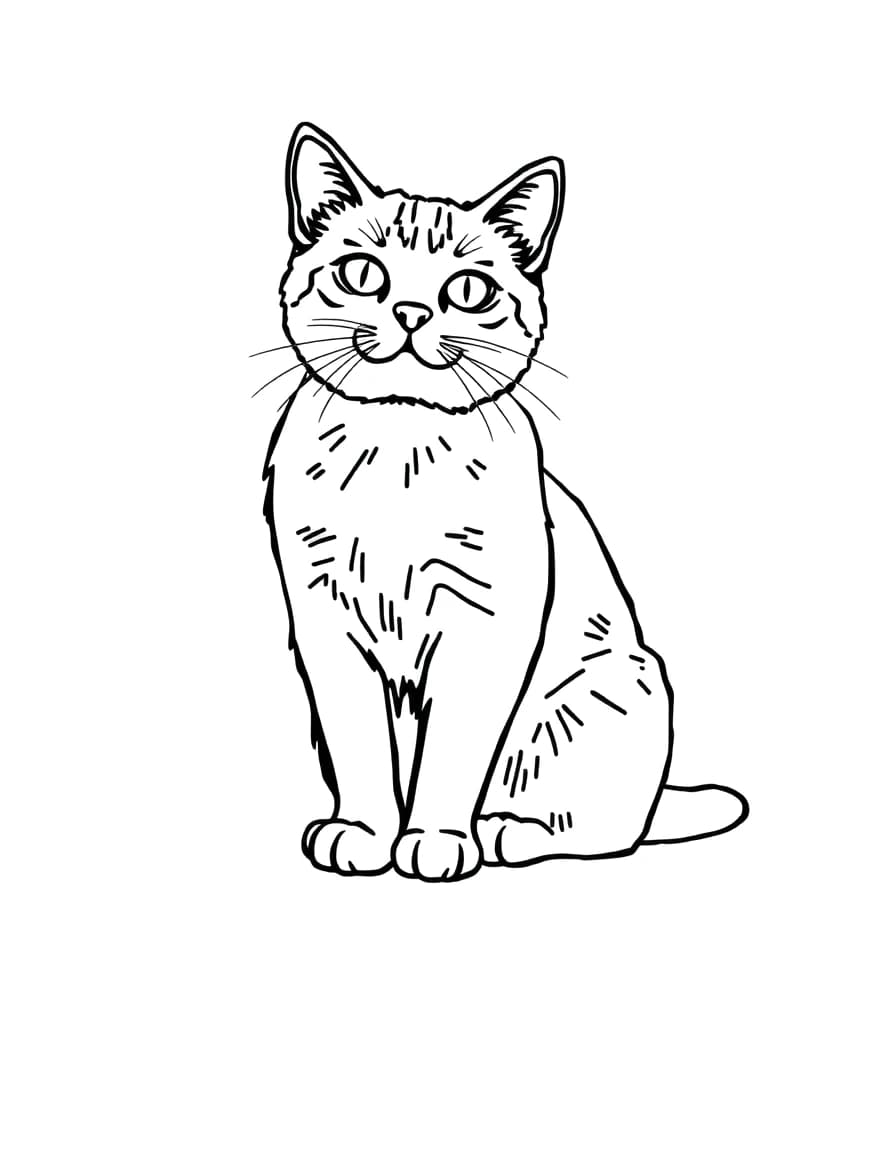
Cat
Or trace a free sketch
2 · Trace it
Turn your screen brightness all the way up, lay thin paper on the screen, and trace the lines through it.
Light box tracing, step by step
- 01Pick a picture, or upload your own.
- 02Press Open light box and turn your screen brightness all the way up.
- 03Size and place the picture, then press Lock so touches through the paper can't move it.
- 04Lay thin paper on the screen, hold it still with a little tape or your other hand, and trace.
Light box, projector or camera?
A light box shows the picture through the paper, like tracing against a window. This lightbox app works best with thin paper (printer paper, tracing paper, layout paper) and a bigger screen, so a tablet beats a phone.
A tracing projector throws the picture onto a wall or a big canvas, which is how murals start. For that, or for thick paper, sketchbooks and canvas, use camera mode instead: the picture appears over the live camera view of your page, at any size.
Protect your screen
- Trace with a pencil and light pressure. Don't press hard with pens that can bleed through.
- A screen protector, or a clear plastic sleeve over the screen, keeps it safe.
- Wipe the screen gently afterwards; graphite dust comes off easily.
Questions
Is tracing on my screen bad for it?
Not with light pencil pressure through paper. Avoid pressing hard, and avoid markers that can bleed through. A screen protector adds a layer of safety.
What paper works best?
Thin paper: tracing paper, layout paper or ordinary printer paper. Thick sketchbook paper and card block too much light; use camera mode for those.
How bright should the screen be?
All the way up. In a dim room the lines show through ordinary printer paper clearly; in daylight, move away from the window or use thinner paper.
Will the screen turn off while I trace?
No. The page asks your browser to keep the screen on while the light box is open. If your phone still dims, raise its Auto-Lock time.