Trace drawing with your phone
Trace any drawing or photo onto paper with your phone's camera: the picture appears over your page and you follow the lines. A free trace drawing app.
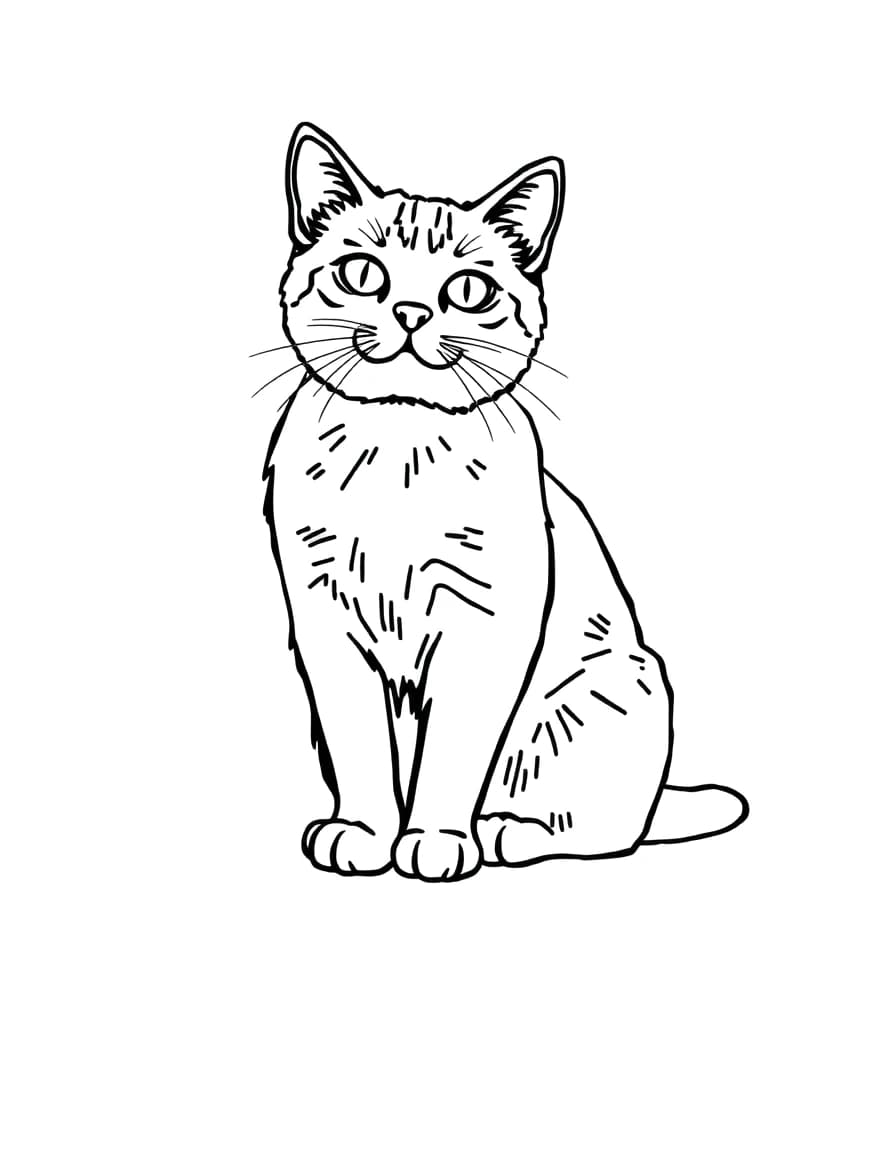
Cat
Or trace a free sketch
2 · Trace it
Prop your phone 20–30 cm above the paper (a glass or a stack of books works), then trace what you see on the screen.
How to trace a drawing
- 01Choose what to trace: a free sketch, your own drawing, or a photo. For a photo, turn on Outline.
- 02Tape your paper down so it can't slide while you work.
- 03Stand the phone on a glass or a stack of books, 20–30 cm above the page, with the camera looking down.
- 04Line the picture up with your page by dragging, pinching and twisting it, then press Lock.
- 05Trace the outline first, then the details. Lower the see-through slider to check your own lines.
Why tracing helps you draw
Tracing gets proportions and placement right from the first line, which is the hardest part when you're starting out. Artists have always done it: grids, carbon paper, light boxes and projectors are all ways of moving a picture onto a page.
Many artists trace to draw better. Trace the same picture once or twice, then draw it freehand with your tracing beside you, and compare. The shapes stick.
What to trace first
- Line drawings with bold, closed outlines, like the free cat, rose and butterfly sketches here. They're the easiest drawings for tracing.
- Leave fur, hair and grass for later: they turn into hundreds of tiny strokes.
- For lettering, photograph a word printed in a font you like, then trace it.
- For a portrait or a pet, use Photo to sketch first, so you trace clean lines instead of a whole photo.
Tips for a clean trace
- Use good light from the side, so your hand doesn't cast a shadow where you're drawing.
- Lower the see-through slider when you need to see your own lines, raise it to see the picture.
- Draw lightly first. Once the shape is right, go over it with a darker pencil or a pen.
- Press Lock before you start, so a stray touch can't move the picture.
Questions
Can I trace a photo, not just a drawing?
Yes. Upload any photo, then turn on Outline: it finds the edges of the photo so you trace clean lines instead of a full picture. For more control, use Photo to sketch first.
Can I trace onto canvas or a wall?
Yes. The camera works on any surface. For a wall or a big canvas, put the phone on a tripod or a shelf, make the picture bigger with a pinch, and lock it.
Is tracing cheating?
Not for practice. Tracing has been part of how artists learn and work for centuries. If you sell or publish a drawing, trace only pictures you have the right to use, or your own photos.
What paper and pencil should I use?
Any paper works with the camera. A soft pencil (2B) shows up well on the screen; draw lightly first and darken the lines once the shape is right.